

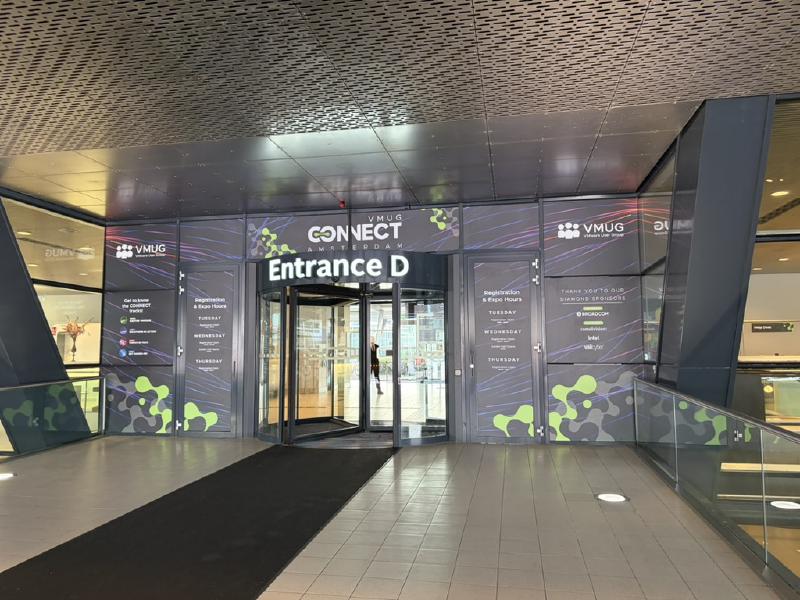
This week, I attended the VMware User Group Connect Conference in the Amsterdam RAI. The event focused on bringing Broadcom’s VCF customers together to discuss cloud and VMware-related technologies.
The conference took place from March 17 to March 19, 2026, and featured a diverse program of presentations, open discussions, and hands-on labs.
First Day - 17.03.2026#
LLMs, GPUs, and runtime realities by Frank Denneman#
I kicked off the first day by attending a session by Frank Denneman on LLMs, GPUs and AI.
AI is shifting infrastructure away from traditional models based on oversubscription. GPUs break this approach with strict placement constraints and unpredictable usage. Additionally, AI workloads use GPU memory differently, combining fixed model allocation with dynamic, fluctuating demand during runtime.
After outlining these changes, Frank opened a discussion with the audience about current and upcoming AI use cases, the challenges they are facing, as well as the types and scale of GPUs being used.
A key topic was that many AI workloads require multiple GPUs. Not primarily for compute, but due to memory demands. Large models often exceed the capacity of a single GPU (e.g., around 140GB for a 70B model), making distribution across multiple GPUs necessary.
In addition, dynamic runtime memory, such as KV cache and activations, introduces unpredictable overhead. This makes capacity planning more complex, as it must account for worst-case scenarios like maximum context size and user concurrency.
After that, Frank explained the differences between various GPUs, how they store and share data, their connection types (PCIe and NVLink) and how these impact bandwidth.
Kubernetes and Cloud Foundry: Defining your Cloud Strategy by Marc van de Logt#
Unfortunately, I had to leave after about an hour to attend Marc van de Logt’s session on Kubernetes and Cloud Foundry.
In this session, Marc provided a comparison of Kubernetes and Cloud Foundry, starting with a brief introduction to both approaches. As I am already familiar with the Kubernetes ecosystem, there was little new for me on that side. However, it was my first exposure to Cloud Foundry.
Cloud Foundry is a platform-as-a-service (PaaS) that abstracts away the underlying infrastructure, allowing developers to deploy and run applications without needing deep knowledge of the operating system or platform. It provides a developer-focused experience with built-in services for deployment, scaling, and lifecycle management.
Using Cloud Foundry, developers can deploy applications with a single command, cf push, which automatically uploads the app, provisions resources, and starts it on the platform without requiring manual configuration.
VCF: Deployment, Automation & Networking by Daniel Krieger and John Nicholson#
After a short break I went to an open discussion about VCF.
The main focus was on whether customers were using overlay segmentation and VPCs, as well as the number of network cards and switches in use. The discussion was heavily centered on networking, less on deployment and automation.
Enabling the Private Cloud Operating Model with VCF9 by Yves Hertoghs#
My final session of the first day highlighted how VCF 9 enables network and service isolation, simplifies management, and supports scalable, multi-tenant environments. Key points included traditional roles in a VPC, the new All-Apps Organization, and the VPC construct in VCF Automation, which together offer greater flexibility and capabilities beyond a simple overlay network design.
Second Day - 18.03.2026#
From Roadmap to Implementation: Key Innovations Redefining Storage and Cyber Resiliance for VCF 9 by Duncan Epping#
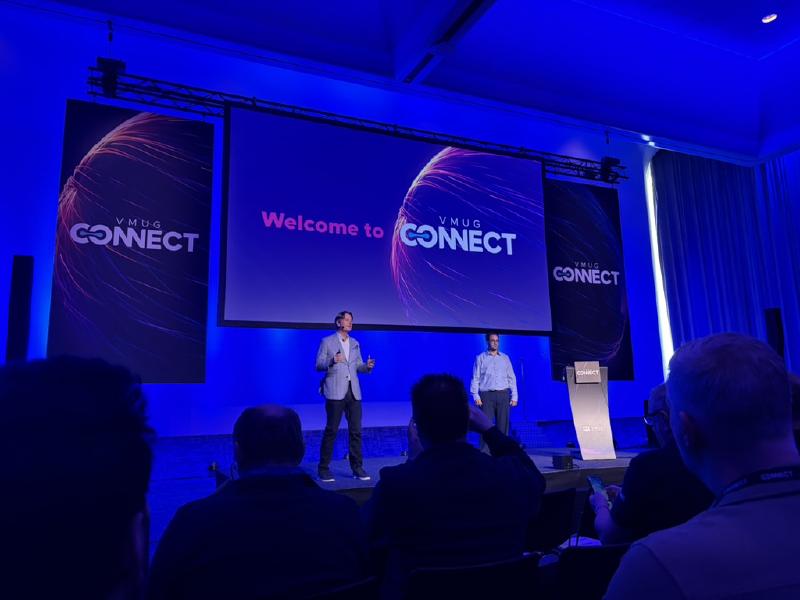
The second day started in the large Elicium hall, following a brief kickoff speech by Brad Thomkins, with a presentation by Duncan Epping. The session covered several new features that are expected to be introduced in one of the upcoming releases. However, the exact release and timeline were not specified.
In general, the focus was on the fact that future versions of VCF 9 will allow the creation and usage of S3 buckets for vSphere Kubernetes Services. These S3 buckets can also be configured with roles and permissions and can be used for backing up vSphere namespaces.
Additionally, there will be some changes to Site Recovery Manager. In the future, it will be possible to restore compromised virtual machines as part of ransomware recovery using older snapshots. It will also be possible to visually track how much data has changed on a VM at specific points in time.
Shrink the Blast Radius: Private Cloud Segmentation Made Easy by Chris McCain#
The next session also took place in the Elicium hall and was presented by Chris McCain. It provided a compact overview of the VMware vDefend tools, with a particular focus on how the NSX Distributed Firewall works and on the Security Services Platform, especially regarding the detection and classification of attack vectors.
Hypervisor Horror: Root Access and Regulatory Rage by Christian Mohn and Stine Elise#
After that, we left the Elicium hall and moved on to the smaller sessions. Following a short break, a presentation by Christian Mohn and Stine Elise Larsenfrom PROACT provided a high-level overview of the possibilities for hardening an environment according to security standards.
At the beginning, references were made to CIS Benchmarks, MITRE ATT&CK, ISO 27001, and other measures and guidelines.
However, the core of the presentation focused on so-called rogue or ghost VMs—virtual machines that cannot be listed directly via vCenter or the ESXi host itself. These VMs can be created relatively easily using the command:
bin/vmx-x /vmfs/volumes/volname/vmname/vmname.vmx 2>/dev/null 0>/dev/null &
Normally, these VMs are removed when the ESXi host is rebooted, but it was also demonstrated how they can be made persistent:
#!/bin/sh ++group=host/vim/vmvisor/boot

# Note: modify at your own risk!

# Note: This script will not be run when UEFI secure boot is enabled.

/bin/vmx -x /vmfs/volumes/volname/vmname/vmname.vmx 2>/dev/null 0>/dev/null &

exit o
At the end, it was also demonstrated how these VMs can be identified:
esxcli vm process list
To make the creation of such VMs more difficult for attackers and to improve detection, the following measures were recommended:
Monitor ESX for SSH enablement and logins#
- /var/log/shell.log
- /var/log/auth.log
- vCenter alarm for SSH enabled
Use Secure Boot#
- prohibits/etc/rc.local.d/local.sh from running on boot
Use Distributed Switches / NSX Distributed Port Groups#
- ehernetO.dvs.portid / ethernetO.dvs.connectionld needs valid values
Automation, Flexibility, and Choice from Day O to Day 2 by Guido Barendse#
After that, I attended the Dell presentation on the Dell Automation Platform.
The session began by introducing a new approach to infrastructure. In addition to the traditional 3-tier architecture and hyperconverged infrastructure, so-called disaggregated infrastructure was presented as a model that aims to combine the two existing approaches and bring together their advantages. Dell Technologies promotes this concept as a flexible way to separate and scale compute, storage, and networking resources independently.
Finally, a few words were also shared about the Dell Automation Platform, although without a hands-on part and only at a very high level. The platform can be used with customizable YAML blueprints to deploy Infrastructure-as-Code-based private cloud stacks from various vendors.
MythBUSTERS: “My Legacy Network Gear Is Fine”… Until it Isn’t by Chris McCain and ComDivision CEO Yves Sandfort#
In the final session of the day, Chris McCain and Yves Sandfort performed a short sketch that compared two different perspectives.
In this scenario, Yves represented the viewpoint that a traditional hardware firewall is sufficient for all use cases within a virtualized environment, while Chris challenged this assumption. The discussion highlighted the various capabilities and use cases of the VMware vDefend stack, demonstrating how its features work and where they provide additional value.
The format was engaging and made the topic accessible, particularly for an audience that is still in the earlier stages of adopting software-defined networking concepts. However, since Chris McCain’s earlier session had already covered similar aspects, so parts of this closing segment felt repetitive.
Third Day - 19.03.2026#
From Infrastructure to Platform: Running Kubernetes and Cloud Services on VCF by Katarina Brookfield#
I started the third day with a presentation by Katarina Brookfield on the vSphere Kubernetes Service.
The session primarily focused on the core functionality of the VKS Supervisor Cluster. Katarina demonstrated how virtual machines and vSphere Kubernetes clusters can be created within it, as well as how GitOps workflows can be integrated using Argo CD.
The exact resources and configurations that were deployed can be reviewed in her GitHub repository.
VPCs in NSX / VCF 9 by Daniel Krieger#
My final session of the event was presented by Daniel Krieger and focused on VPCs in VCF 9.
The presentation covered how VPCs can be created, the different network types available, and how east-west and north-south communication are handled within this architecture. Daniel has also published several blog posts on this topic for further reading:
Conclusion#
The VMUG Connect 2026 in Amsterdam was my first VMUG event, and it certainly fulfilled its primary goal of bringing users together and fostering connections within the community.
However, from a technical perspective, I felt that more advanced topics were somehow underrepresented. Many of the sessions were geared toward beginners, and while this makes the event accessible, some of the presentations, particularly those focused on automation and Kubernetes, did not go as deep as I had hoped.
In conversations with other attendees, I found that this impression was shared by several participants. The pre-connect sessions, on the other hand, stood out as particularly valuable. These sessions encouraged the exchange of real-world experiences and enabled more interactive discussions. Unfortunately, there were only a limited number of them.
On a positive note, I appreciated the opportunity to complete hands-on labs on-site, as well as the option to take various certifications at a reduced cost.
Overall, I would say that VMware Explore may be the more suitable event for those looking to dive deeper into technical topics.
But if I had to descide, I would give it another try.
